Based on the role QA Engineer
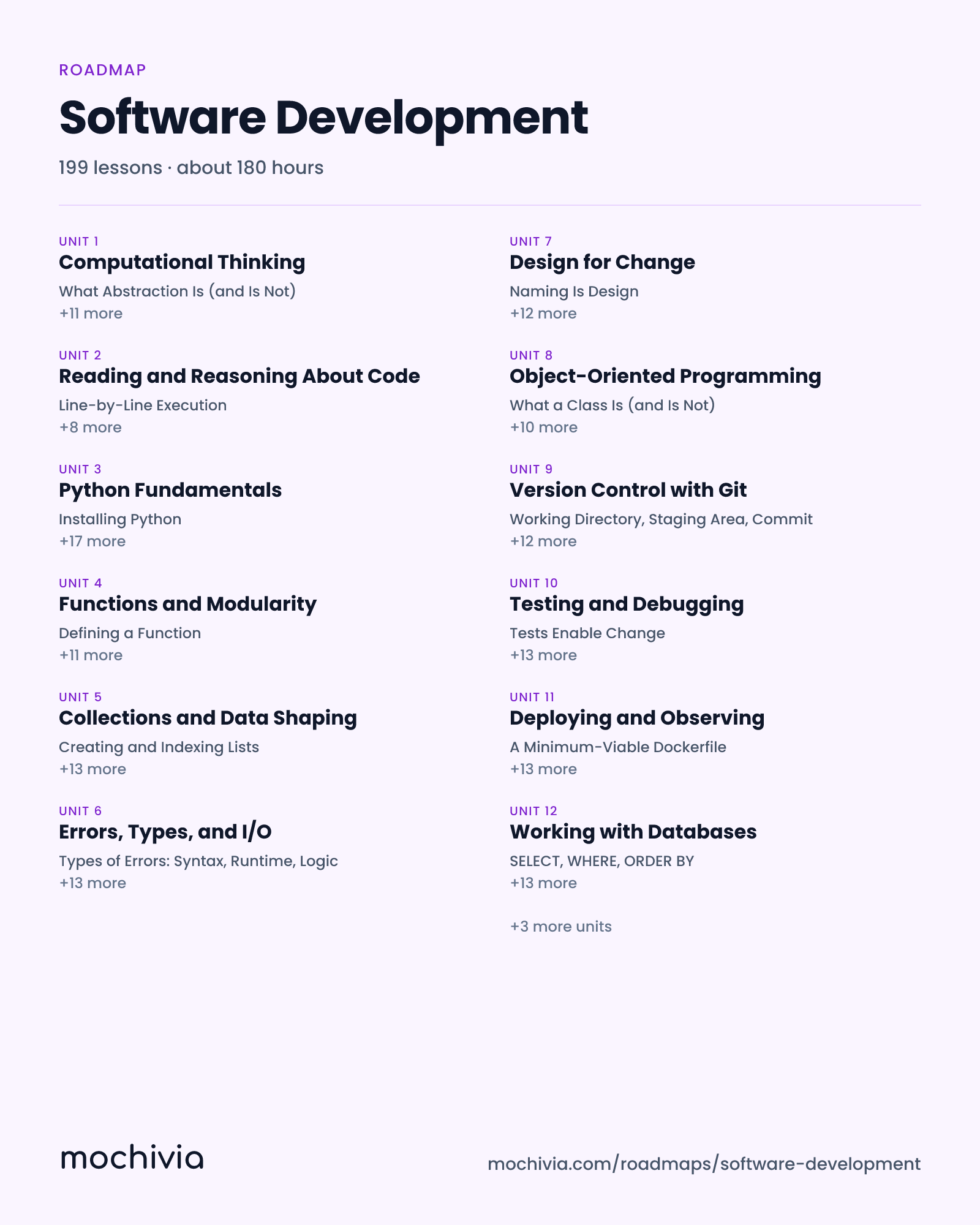
Software Development
A practical, 4-pillar skill track that takes you from zero to shipping. You will learn to think in code, master one language deeply (Python), turn scripts into real software with tests and version control, and put your work in front of users with a deploy, a database, and modern AI-assisted workflows. Deliberately narrower than a role-track CS degree: if the question is 'can I build and ship software,' this is the answer.
199 lessons · about 180 hours

What you'll learn
Think in Code
The mental muscles that come before syntax. Compact, deliberately not encyclopedic. Learn to decompose problems, reason about state, and read code you did not write — the three skills every programmer uses every day regardless of language.
Unit 1
Computational Thinking
Before a single line of code, learn the four thinking moves every programmer makes: break a problem into smaller parts, strip away irrelevant detail, spot patterns you have seen before, and write down a precise recipe for solving it. These moves are language-agnostic and transfer to every course that follows.
12 lessons
- What Abstraction Is (and Is Not)
- Spotting Similar Problems
- What Is an Algorithm
- Breaking Problems into Parts
- Modeling the Real World as Data
- Classic Programming Patterns
- Pseudocode: Thinking Before Typing
- Top-Down vs Bottom-Up Thinking
- Knowing When to Stop Decomposing
- Levels of Abstraction
- Tracing Algorithms by Hand
- When Is One Algorithm Better Than Another
Unit 2
Reading and Reasoning About Code
Most of a working developer's day is spent reading code, not writing it. This course builds the muscles to walk into an unfamiliar codebase, trace what a piece of code does, build a mental model of program state, and predict behavior before running anything. Language-agnostic, with examples in plain pseudocode and Python.
9 lessons
- Line-by-Line Execution
- Memory as Labeled Boxes
- Entry Points and File Structure
- Tracking Variable State on Paper
- References vs Copies
- Search as a Reading Tool
- Predicting Output Before Running
- The Call Stack
- Tests, Comments, and Types as Signal
Your First Language
Depth-first Python. One language, learned well, is worth five languages learned shallowly. Covers syntax and types, functions and scope, the collection types you use every day, and the handful of I/O and error skills that turn a script into a useful tool. Python chosen for readability, AI-era relevance, and the fact that almost every downstream skill in this curriculum can be demonstrated in it.
Unit 3
Python Fundamentals
Learn the core of Python — variables, types, operators, expressions, and control flow — well enough to write small programs that read input, make decisions, and produce output. Every downstream course in this curriculum builds on this one.
18 lessons
- Installing Python
- Variables and Assignment
- Arithmetic Operators
- if, elif, and else
- for Loops and range()
- Your First Program
- Integers, Floats, Strings, Booleans
- Boolean Operators and Short-Circuit Evaluation
- Compound Conditions
- while Loops and Termination
- The REPL vs Script Files
- Type Conversion and Coercion
- Operator Precedence and Parentheses
- Guard Clauses and Early Returns
- break and continue
- Naming Things Well
- Strings and f-Strings
- Nested Loops and Conditionals
Unit 4
Functions and Modularity
Functions are the primary tool for organizing code into reusable, testable units. This course covers defining and calling functions, parameters and return values, scope rules, basic recursion, and the purity vs side-effects distinction that drives everything from testing to refactoring.
12 lessons
- Defining a Function
- Positional and Keyword Arguments
- Local vs Global Scope
- What a Pure Function Is
- Calling Functions and Using Return Values
- Default Parameter Values
- The LEGB Lookup Rule
- Side Effects: Useful but Noisy
- One Function, One Job
- *args and **kwargs
- Why Global Mutable State Is Dangerous
- Functional Core, Imperative Shell
Unit 5
Collections and Data Shaping
The built-in collection types you will use every day — lists, dictionaries, sets, tuples — and the iteration idioms that turn long loops into short, clear code. Picking the right collection for the job is one of the first decisions that separates clumsy code from elegant code.
14 lessons
- Creating and Indexing Lists
- Creating Dictionaries and Accessing Values
- Sets: Unordered, Unique
- enumerate, zip, reversed
- Slicing
- Core Dict Methods
- Set Operations: union, intersection, difference
- List Comprehensions
- Mutating Lists: append, extend, pop, insert
- Modeling Structured Data with Dicts
- Tuples: Immutable Groupings
- Dict and Set Comprehensions
- Aliasing and Copying Lists
- When a Loop Is Clearer
Unit 6
Errors, Types, and I/O
The skills that turn a toy program into a useful tool: handling errors without crashing, annotating types so your code documents itself, reading and writing files, parsing JSON and CSV, and accepting command-line input. By the end you can write a small script that reads real data, processes it, and writes real output.
14 lessons
- Types of Errors: Syntax, Runtime, Logic
- Basic Type Annotations
- open() and the with Statement
- JSON: Load, Dump, and Shape
- try/except Basics
- Collections and Optional Types
- Reading and Writing Text
- CSV: Rows and Columns
- Reading Tracebacks
- Type Checking in Practice
- Paths with pathlib
- argparse: Command-Line Arguments
- Raising Your Own Exceptions
- Your First Real Script
Build Like an Engineer
Scripts become software here. Version control so your work survives mistakes, OOP so code scales past a single file, tests and debugging so you can change code without fear, and design-for-change habits that separate throwaway code from code you can live with in six months.
Unit 7
Design for Change
The habits that make code a pleasure to come back to — naming, small functions, small commits, refactoring with tests as a safety net, and recognizing the smells that signal trouble. This is the course that separates working code from code you can still work on in six months.
13 lessons
- Naming Is Design
- The Long Function
- What Refactoring Is (Precisely)
- One Logical Change per Commit
- Short, Focused Functions
- Duplicated Logic
- Small, Always-Working Steps
- Separate Refactors from Features
- Boring Over Clever
- Deep Nesting
- When to Rewrite Instead of Refactor
- PR Descriptions That Help Reviewers
- Resist Premature Abstraction
Unit 8
Object-Oriented Programming
Classes, objects, and the OO thinking patterns that let code scale past a single script. Covers classes and instances, methods, encapsulation, inheritance (sparingly!), composition, and the practical design heuristic: prefer composition over inheritance. Focused on writing clean, testable OO code — not an academic survey of the paradigm.
11 lessons
- What a Class Is (and Is Not)
- One Class, One Job
- Composition: Has-A Is the Default
- __init__ and Instance Attributes
- Hiding Implementation Detail
- Inheritance Basics
- Methods: Functions That Know About Their Object
- Properties: Computed Attributes
- When Inheritance Hurts
- __repr__ for Readable Debugging
- Dependency Injection: Pass It In
Unit 9
Version Control with Git
Git is the time machine and collaboration tool every developer uses. This course covers the mental model of commits and branches, the local workflow (add → commit → branch → merge), remote collaboration via push/pull/PRs, and the recovery moves that let you undo almost anything without losing work.
13 lessons
- Working Directory, Staging Area, Commit
- init, add, commit
- Remotes, push, and pull
- Resolving Merge Conflicts
- Commits Are Snapshots, Not Diffs
- status, diff, log: Knowing Where You Are
- Pull Requests and Code Review
- Undoing Commits, Amending, and Unstaging
- Branches Are Just Pointers
- Creating Branches, Switching, Merging
- Keeping Your Branch Current
- The Reflog: Git's Safety Net
- Writing Good Commit Messages
Unit 10
Testing and Debugging
The two skills that let you change code without fear. Testing so you catch regressions automatically; debugging so you can find the source of a failure fast. Covers unit and integration tests with pytest, fixtures and mocking, a debugging methodology, using a real debugger, and systematic techniques like binary-search bisection.
14 lessons
- Tests Enable Change
- Installing and Running pytest
- Fixtures: Setup and Teardown
- Reproduce First
- Using a Real Debugger
- What to Test and What to Skip
- Writing Good Assertions
- Mocking Dependencies
- Isolate, Hypothesize, Test
- Conditional Breakpoints
- Parametrized Tests
- When Not to Mock
- Rubber-Duck Debugging
- Binary-Search Bisection
Ship Software and Work Modern
The mile between 'works on my laptop' and 'users are using it.' Command line, a real web app, a real database, a real deploy — plus the 2026 meta-skill: working with AI assistants without letting them put garbage in your codebase. Security basics are woven in, not bolted on.
Unit 11
Deploying and Observing
Put your app on the internet and keep it alive. Covers Docker enough to be useful, deploying to a modern PaaS, managing secrets, structured logging, uptime and error monitoring, and the minimum-viable security hygiene every shipped app needs. Security is folded in here — exactly where it actually matters.
14 lessons
- A Minimum-Viable Dockerfile
- Picking a PaaS
- Never Commit Secrets
- Structured Logging
- Images vs Containers
- Your First Deploy
- Rotating a Leaked Secret
- Error Tracking (Sentry-style)
- Layer Caching and Fast Rebuilds
- Attaching a Managed Database
- Auditing Your Dependencies
- Uptime Checks
- Custom Domain and HTTPS
- An OWASP Shortlist for Everyday Apps
Unit 12
Working with Databases
Where your app's data actually lives. Covers SQL basics, schema design, migrations, SQLite for local development, Postgres for production, and the minimum you need to know about ORMs to use one without being surprised. Focused on what you need to build and ship — not every clever query imaginable.
14 lessons
- SELECT, WHERE, ORDER BY
- Primary and Foreign Keys
- SQLite: Zero-Config Database
- Migrations: Versioned Schema Changes
- INSERT, UPDATE, DELETE
- Constraints: Making Bad Data Impossible
- Postgres: The Production Default
- Safe Migration Patterns
- Joins: Connecting Tables
- Indexes: Fast Lookups (With a Cost)
- Writing Portable-Enough SQL
- ORMs: Python Objects for Rows
- Aggregations and GROUP BY
- When to Drop to Raw SQL
Unit 13
AI-Assisted Development
The 2026 meta-skill. AI assistants will write most of the boring code in your career; your job is to keep the hard parts under human judgment. This course covers prompting for code, reviewing AI output critically, using agentic tools, when to refuse an AI suggestion, and the tests-and-types discipline that makes AI-assisted work safe rather than sloppy.
13 lessons
- Scope and Constraints
- Treat It Like a PR from a Stranger
- What Agents Are Good At (Today)
- Tests as the Forcing Function
- Supplying the Right Context
- Common AI Failure Modes
- Where Humans Still Belong
- Types for Safety
- Iterating on a Reply
- Never Merge What You Don't Understand
- Scoping a Task for an Agent
- Keep AI Diffs Small
- Learning to Reject
Unit 14
Building a Web App
From HTTP basics to a running web app you built yourself. Covers the request/response lifecycle, a modern Python framework (FastAPI or Flask), routing, forms, templates, JSON APIs, and the minimum-viable authentication pattern you need to put real users behind your app.
16 lessons
- Request and Response
- Hello, Web
- HTML Templates
- Authentication vs Authorization
- Routes, Services, and Data
- Verbs and Status Codes
- Routes and Handlers
- Forms and Validation
- Password Hashing Done Right
- Configuration Out of Code
- Headers in Practice
- Path Params and Query Strings
- JSON Endpoints
- Sessions vs Tokens
- A README That Actually Helps
- Protecting Routes
Unit 15
The Command Line and Your Environment
The shell, the filesystem, processes, environment variables, package managers, and virtual environments — the ambient layer every developer works on top of. You will stop being afraid of the terminal and start using it to move ten times faster than you could with a GUI.
12 lessons
- Navigating the Filesystem
- Redirecting Output
- Environment Variables
- Virtual Environments with venv
- Copying, Moving, Deleting Files
- Pipes: Commands as Lego
- .env Files in Projects
- pip and requirements.txt
- Tab Completion and History
- Essential Text Utilities
- Processes: ps, kill, bg, fg
- A Tour of Modern Package Tools
Explore more roadmaps
Frequently asked questions
How long is the Software Development roadmap?
About 180 hours in all: 199 lessons across 15 units.
What does the Software Development roadmap cover?
15 units, starting with Computational Thinking, Reading and Reasoning About Code, Python Fundamentals and Functions and Modularity, and 11 more.
How do I start the Software Development roadmap?
Get the Mochivia app on the App Store and open this roadmap there.
Start Software Development